> ## Documentation Index
> Fetch the complete documentation index at: https://wiki.worldrepublic.org/llms.txt
> Use this file to discover all available pages before exploring further.
# Cast your vote
> Participate in democratic global decision-making.
Test elections are now live. Follow this guide to **test the voting flow** and make sure your verification is set up correctly.
## Prerequisites
* A **verified ID** in the Self app (see [Get verified](/quickstart/get-verified))
You don't need an account to vote. Signing up is only required to earn rewards.
## Steps
Go to the [World Republic homepage](https://worldrepublic.org) and click the **Vote** button.
* **When no test election is active:** Click **Test** to practice the voting flow.
* **During an active election:** Select a party and click **Vote** next to it.
You will be prompted to prove that you are a real, unique human.
* **On desktop:** Scan the QR code using your Self app.
* **On mobile:** Click **Continue** to open the Self app automatically.
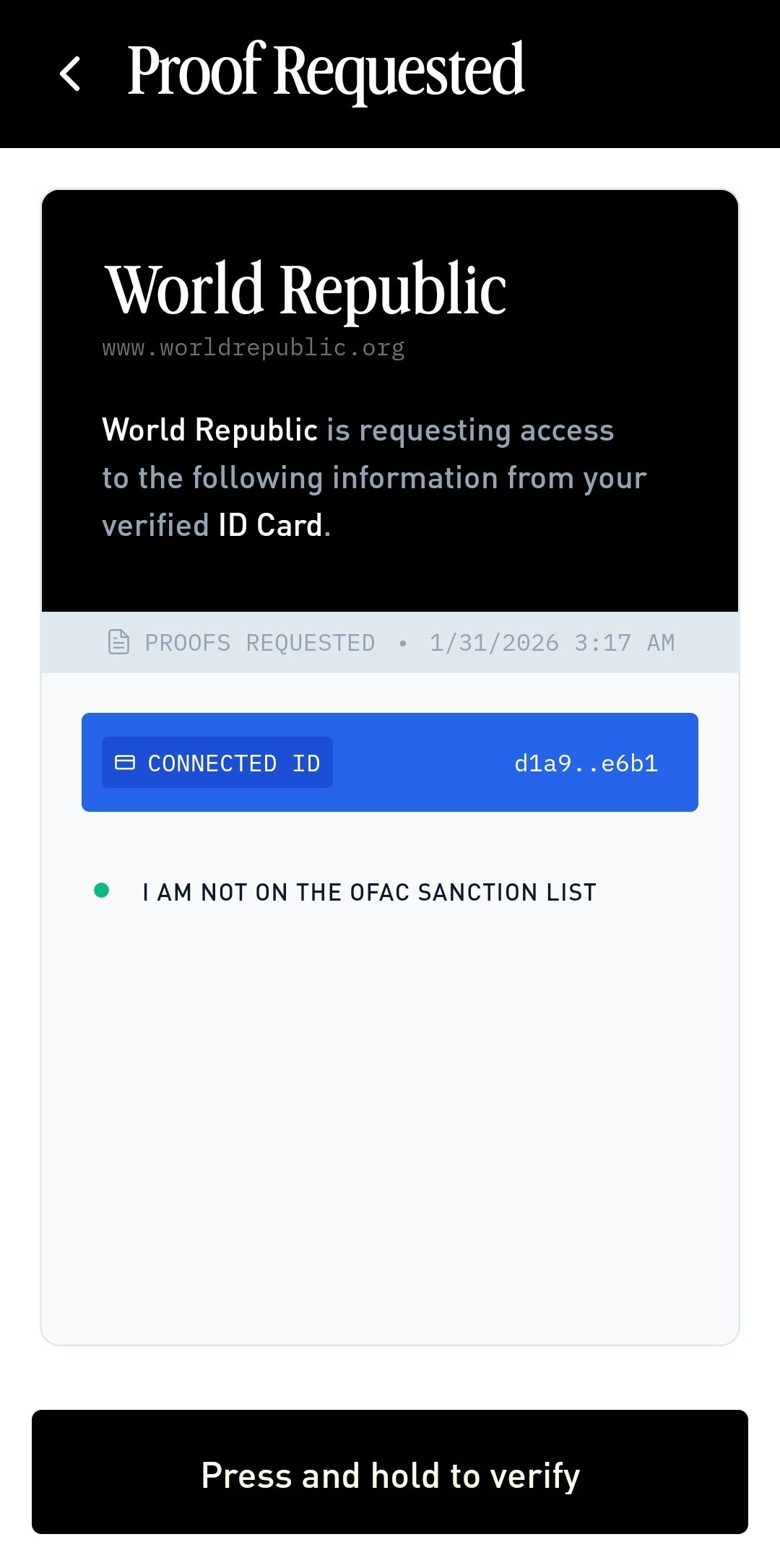
In the Self app, you will see a "Proof Requested" screen. **Press and hold** the verify button until you feel haptic feedback (a vibration) to confirm.
 ## Outcome
Once verified, you will be redirected back to the World Republic app with a success message.
**Success!** You have tested the voting flow.
## Outcome
Once verified, you will be redirected back to the World Republic app with a success message.
**Success!** You have tested the voting flow.